
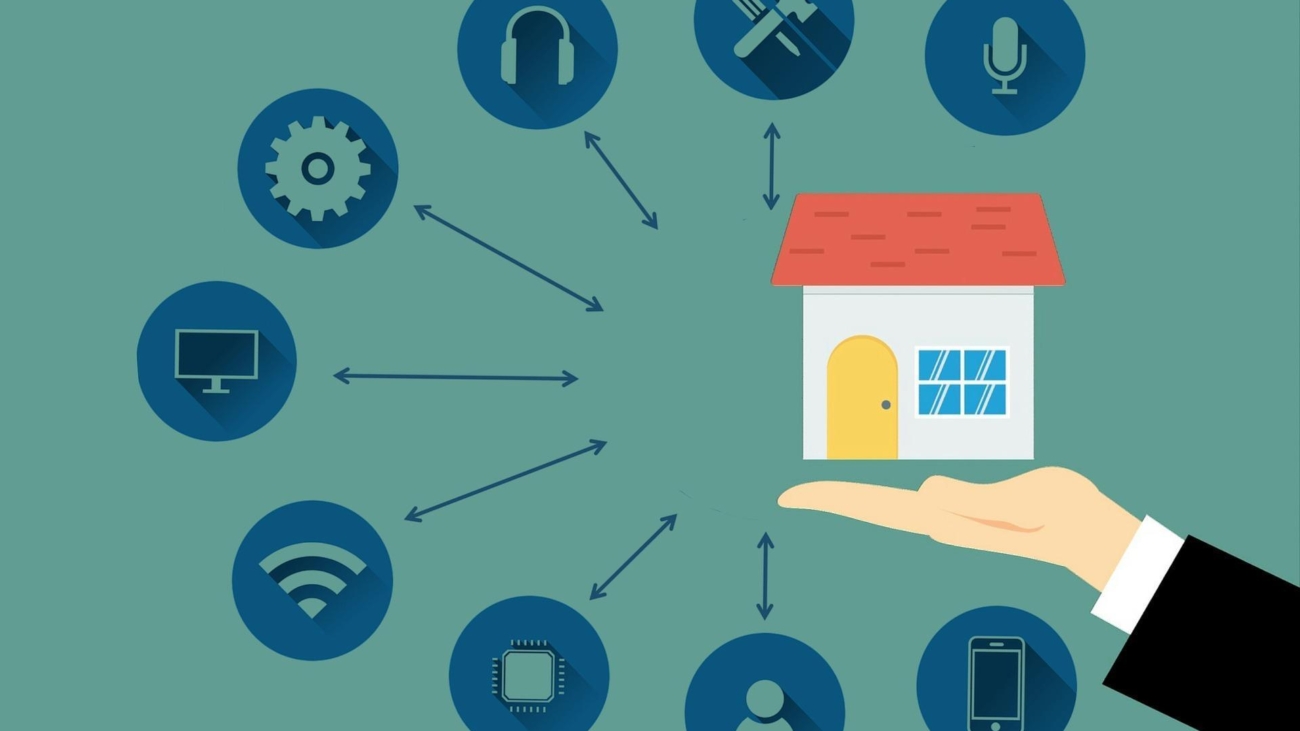
Highlights:
- The global smart home market hit $164.13B in 2026, meaning the device landscape is crowded and fast-moving — making strategic planning more critical than ever before buying.
- Over half of DIY users hit setup or connectivity snags, and almost all of those problems are preventable with basic prep work done before installation.
- Your Wi-Fi network is the true foundation of any smart home — a mesh system and modern router should come before any smart device purchase.
- Picking one ecosystem (Alexa, Google Home, or HomeKit) early and sticking to it prevents the most common compatibility headaches down the road.
- Planning your automations before you buy ensures your devices actually work together as a system, not just as a collection of disconnected gadgets.
You’ve got the itch. Maybe you just moved into a new place, or maybe you’ve been eyeing that smart thermostat on sale for three weeks and you finally caved. Either way, you’re ready to make your home a little smarter — and that’s genuinely exciting. But here’s the thing most people skip: the setup you do before you buy a single device is the work that actually determines whether your smart home runs smoothly or turns into a tangle of incompatible apps and blinking status lights.
This guide walks you through exactly what to think about, plan for, and have in place before you start installing anything. Trust the process — it’ll save you hours of frustration later.
Why the Smart Home Market Is Booming (And Why That Makes Planning Even More Important)
Let’s set the scene. The global smart home market is sitting at roughly $164 billion in 2026, according to Mordor Intelligence, and it’s on a trajectory to more than double by 2031. In the US alone, over 77 million households — that’s north of 51% of all American homes — are actively using at least one smart home device right now.
That’s a massive, fast-moving market. And the velocity of that growth is exactly why you need to be strategic as a buyer. When an industry is expanding that quickly, you get a flood of new products, competing platforms, shifting standards, and a lot of marketing noise. What sounds cutting-edge today might be an orphaned ecosystem in three years.
The lesson? A little planning upfront keeps you from getting locked into something that doesn’t serve you long-term.
The #1 Problem People Don’t See Coming: Setup Complexity
Here’s a data point that should give every first-time smart home buyer pause. A 2025 report from Parks Associates found that 52% of DIY smart home users ran into setup or connectivity problems during installation. More than half. And that’s among people who actively chose to set things up themselves — arguably folks who are already more comfortable with tech than the average consumer.
That stat isn’t meant to scare you off. It’s meant to make a point: the gap between buying a smart device and actually having it work reliably in your home is wider than the product box makes it look. Connectivity issues, app sync failures, and Wi-Fi dead zones account for a huge chunk of those problems — and nearly all of them are preventable with a bit of groundwork.
So before you unbox anything, here’s what you need to do first.
Step 1: Audit Your Wi-Fi Network
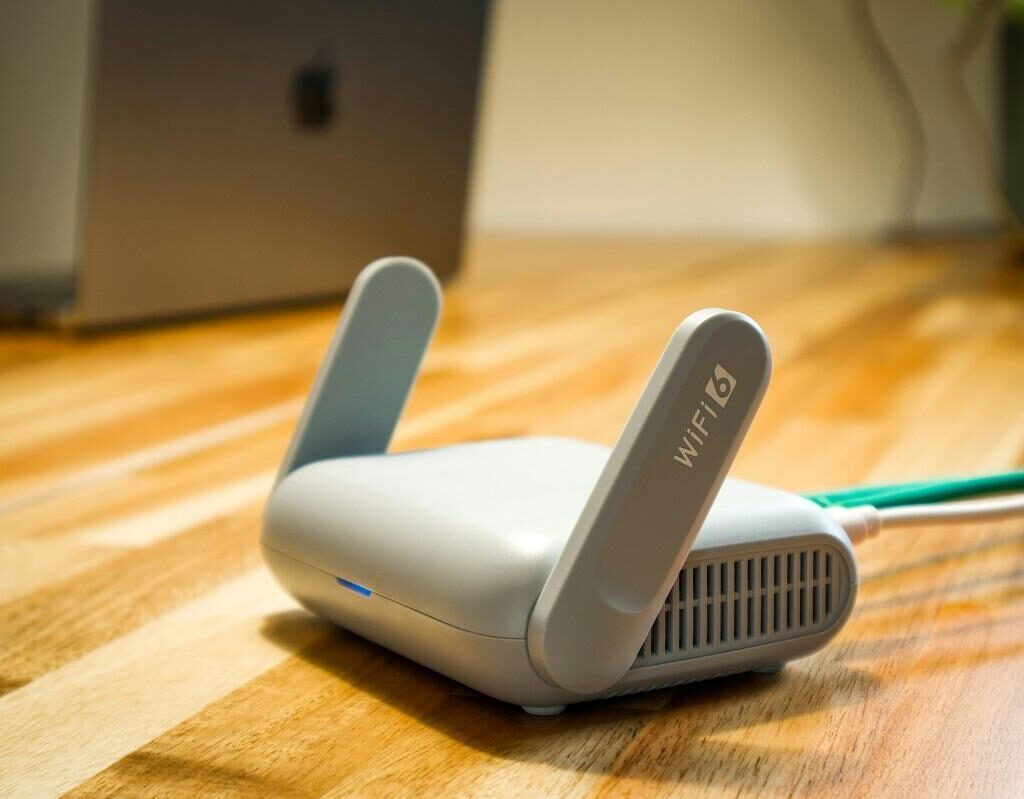
Your network is the foundation. Everything else depends on it. If your router is more than a few years old, sitting in a closet, or struggling to cover your whole home, no amount of smart devices will save you.
What to check:
- Coverage: Walk your home with your phone and watch the signal drop. Any area where you lose two or more bars is a problem zone.
- Speed: You don’t need blazing fast speeds, but you do need consistent speeds. Run a speed test in different rooms.
- Band support: Most smart devices run on 2.4GHz, which has better range. Some newer devices prefer 5GHz. Make sure your router broadcasts both.
- Router age: If your router is 4–5+ years old, consider upgrading to a Wi-Fi 6 or Wi-Fi 6E model before you start adding devices.
A mesh network system (like Eero, Google Nest WiFi, or TP-Link Deco) is one of the best investments you can make before any smart home gear. It eliminates dead zones and handles the load of multiple connected devices with much less drama.
Step 2: Choose Your Ecosystem Early
This is the decision that shapes everything else, and most people make it accidentally by just buying whatever’s on sale. Don’t do that.
The three dominant ecosystems right now are Amazon Alexa, Google Home, and Apple HomeKit. Each has its strengths:
- Alexa has the widest device compatibility and the most third-party integrations
- Google Home is deeply integrated with Android devices and Google services
- Apple HomeKit prioritizes privacy and works seamlessly if you’re in the Apple universe
There’s also the Matter protocol, which launched to help devices work across all three ecosystems. It’s gained serious traction — over 550 companies are now developing Matter-compatible products — but not every device supports it yet, so you still need to pick a primary hub.
Pick one ecosystem and buy devices that are compatible with it. You can mix in Matter-enabled devices later as your setup grows.
Step 3: Map Out Which Rooms You’re Starting With
It sounds obvious, but skipping this step leads to the classic “impulse buy a smart bulb and then wonder what to do with it” problem. Before you spend anything, decide which rooms you’re actually automating — and in what order.
Start with the areas that give you the highest return on convenience or security. For most people, that’s the front door, the living room, and the thermostat. Once those are dialed in, expanding to other areas of the house becomes much easier.
If you need help thinking through which devices actually make sense room by room, this guide to what smart home devices to install in each room first breaks it down clearly — it’s a solid starting point for prioritizing your purchase list before you spend a cent.
Step 4: Make a Checklist of What You Actually Need
Here’s a simple pre-purchase checklist to run through for every device you’re considering:
- [ ] Is it compatible with my chosen ecosystem?
- [ ] Does it support Matter or at least a standard protocol like Zigbee or Z-Wave?
- [ ] Does it require a separate hub or bridge?
- [ ] Can it work locally (without internet) if the cloud goes down?
- [ ] What app does it use — and does that app have good reviews?
- [ ] Does it require a subscription for full functionality?
That last point catches a lot of people off guard. Smart doorbells, cameras, and security systems often lock key features (like video history) behind monthly fees. Factor that into your budget from day one.
Step 5: Secure Your Network Before Anything Goes Online
With more than half of US households now running smart devices, home networks have become a real target for bad actors. Before you connect a single device, tighten up your network security:
- Change your router’s default admin password (yes, even if you’ve had it for years)
- Create a separate guest network for your smart devices — this isolates them from your main devices like laptops and phones
- Enable WPA3 encryption if your router supports it
- Keep firmware updated on your router and all devices
This isn’t paranoia — it’s basic hygiene for any connected home. A compromised smart plug is annoying; a compromised security camera is a much bigger problem.
Step 6: Plan Your Automations Before You Need Them

One of the biggest missed opportunities in smart home setups is treating each device as a standalone gadget rather than part of a system. The real magic kicks in when devices talk to each other — when your porch light turns on automatically at sunset, or your thermostat adjusts when you leave the house.
Before you install anything, jot down five to ten automations you actually want. Some starter ideas:
- Lights turn on at sunset, off at a set bedtime
- Thermostat drops 3 degrees when everyone’s asleep
- Front door lock sends a notification when kids arrive home
- Smart plug cuts power to the TV after 11pm
Knowing which automations you want in advance helps you buy the right devices to make them possible — rather than discovering after the fact that two things you bought can’t talk to each other.
The Bottom Line: Prep Work Is the Real Smart Home Upgrade
The data is pretty clear: smart home adoption is at an all-time high, but so is the rate of setup frustration. That gap — between buying and actually having a functioning smart home — exists almost entirely because most people skip the planning phase.
With over half of US homes now using smart devices and the market growing at double digits annually, there’s never been more gear to choose from. That abundance is both exciting and overwhelming. The buyers who end up genuinely loving their setups are the ones who spent 30 minutes planning before they spent any money.
Check your Wi-Fi. Pick your ecosystem. Map your rooms. Make your list. Then go buy the things — and actually enjoy setting them up.